Render
Model ready. Render still missing?
Use a clear view of your model as a starting point for a visual direction, without building every material and light first.
Beta registration is open
Start with your model view or a render. Explore finishes, try another direction and give your client something they can actually choose.
Register to hear when access opens. No payment required.

Render. Remake. Redo.
01 · Start where you are
A model view, a rough render or a finished shot: each can be a starting point.
Render
Use a clear view of your model as a starting point for a visual direction, without building every material and light first.
Remake
Prepare alternative finishes and moods from the same scene. Give your client a visual comparison before the next meeting.
Redo
Work from the existing image and explore the requested finish. Review the result before you present it.

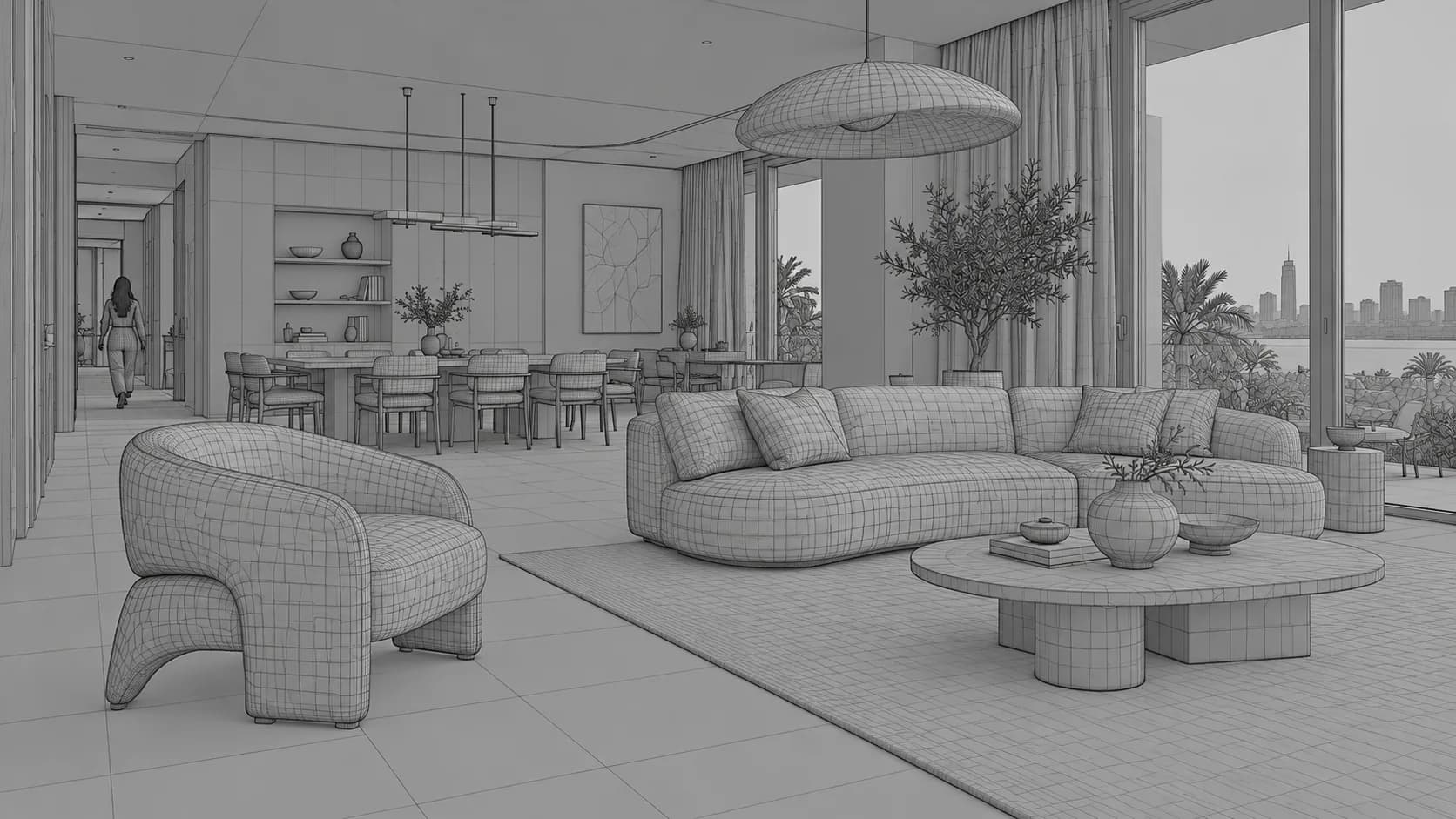
02 · Make the choice visible
Try another fabric, another floor, another atmosphere. Compare the choices before your client asks.


Illustrative options using the same scene and framing.
03 · Think beyond one image
Collect the views of your space in one project. Approve the main image, then use it as the reference for the rest of the set.
RRR's space workflow uses an approved reference. Consistency is a goal to review, not a promise that every generated pixel will be identical.
04 · From your file to the next presentation
A clear model screenshot or an existing render. Keep the camera and composition you want to develop.
Choose a visual direction or explain the material, atmosphere or detail you want to explore.
Review the image, try another option and carry the approved direction into your presentation.
Bring views from 3ds Max, SketchUp, Revit or other modeling tools. RRR works from images; this does not imply a native plugin or editable 3D export.
05 · Early access
Egypt and international plans are planned. Beta enrollment is open now; registration doesn't purchase a plan.
Explore your first direction
Price to be announced
USDFor independent designers
Price to be announced
USDFor an active project pipeline
Price to be announced
USDFor a team working together
Price to be announced
USDPlanned launch allowances; final details will be confirmed with beta access.
06 · Before you join
What registration means, and where RRR fits in your workflow.
Registration is open. Joining adds you to the waiting list; access timing and beta details will be shared when they are ready.
No. A clear model screenshot or a rough render can be a starting point. A finished render can also be used to explore edits and alternatives.
RRR works on images. It supports visualization and image edits; it does not create or update your editable 3D model, construction drawings or material schedules.
This page uses pre-made illustrative images to explain the workflow. The interactive scene is a concept demo, not a live generation or a benchmark of product performance.
Prices have not been announced. Egypt and international plans are shown without price values. Registration does not require payment.
Review the geometry, materials and details of every result before client use. Image generation can introduce unintended changes; your original files remain the reference.
Join the beta waiting list and be among the first to hear when RRR access opens.
Join the beta waiting listRegister to hear when access opens. No payment required.